![ADDITIVE_Logo_Negativ_RGB_150dpi (1)-1.png]](https://knowledge.additive.eu/hs-fs/hubfs/ADDITIVE_Logo_Negativ_RGB_150dpi%20(1)-1.png?height=40&name=ADDITIVE_Logo_Negativ_RGB_150dpi%20(1)-1.png)
25.08.2026
-
Minimum stay for inquries: A minimum stay can be defined for the inquiry form on landing pages, ensuring that only inquiries for a specified minimum number of nights are generated.
30.07.2026
-
Multimedia: Multimedia upload now supports uploading up to 100 images in one go.
21.07.2026
- A+ CONTENTS Facelift: ADDITIVE+ CONTENTS has been completely redesigned and rebuilt. The new version features +50 new features, a modern interface and a technically reengineered frontend and backend.
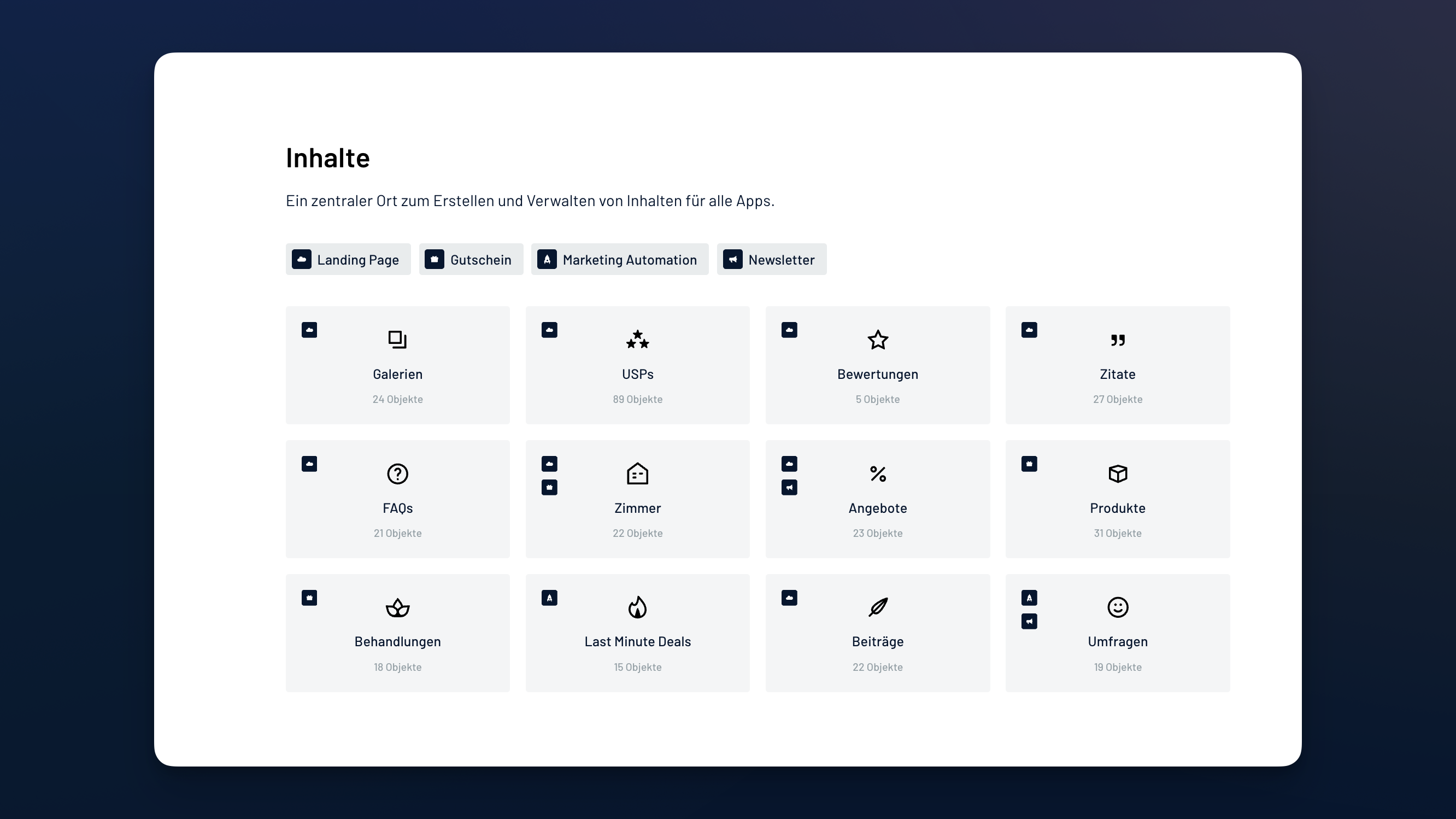
The redesign delivers a faster, more stable application, clearer overviews, and reduced manual effort.- New content overview: Content types can now be filtered by software, and the detail view has been optimized for better readability.
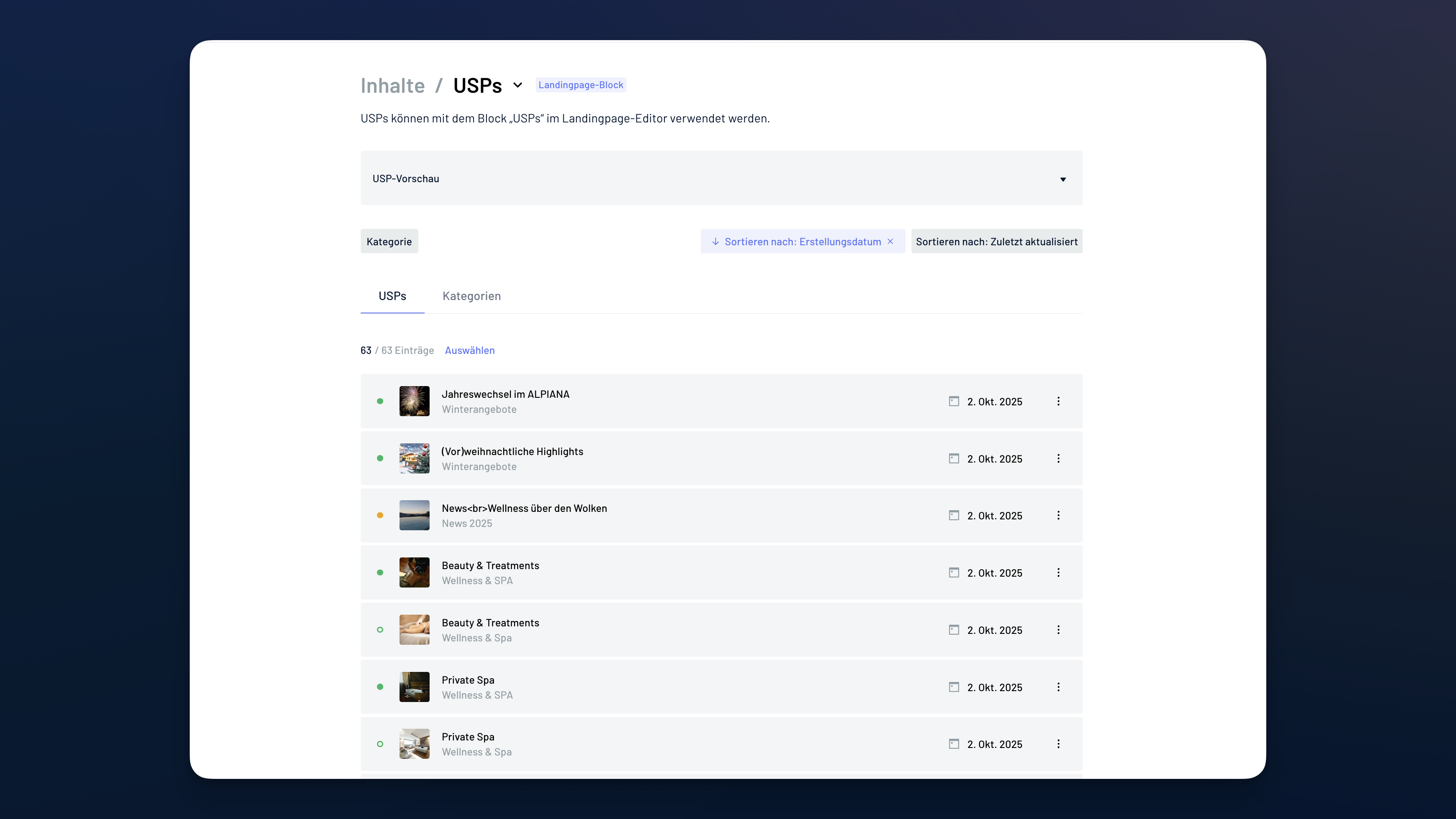
- Optimized content categories: Categories can now be sorted by creation or last update date. The list view also displays key information such as image count, prices, and the latest update at a glance.
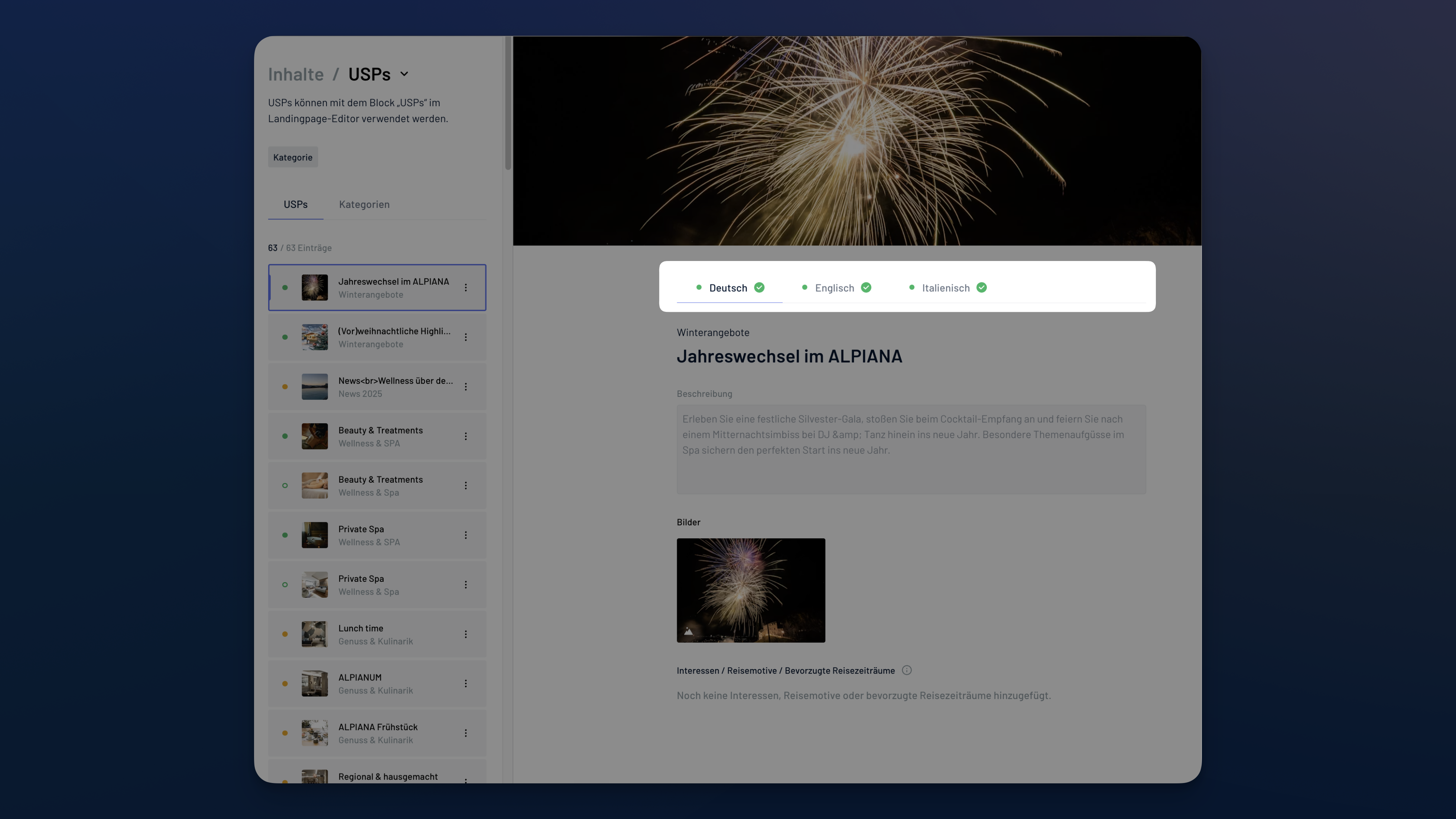
- Language switcher: Each content type now includes its own language switcher for faster management of multilingual content.
- Drag & Drop sorting: Content can now be reordered easily using drag & drop.
- Improved usability: Updated descriptions and help texts make the application easier to use.
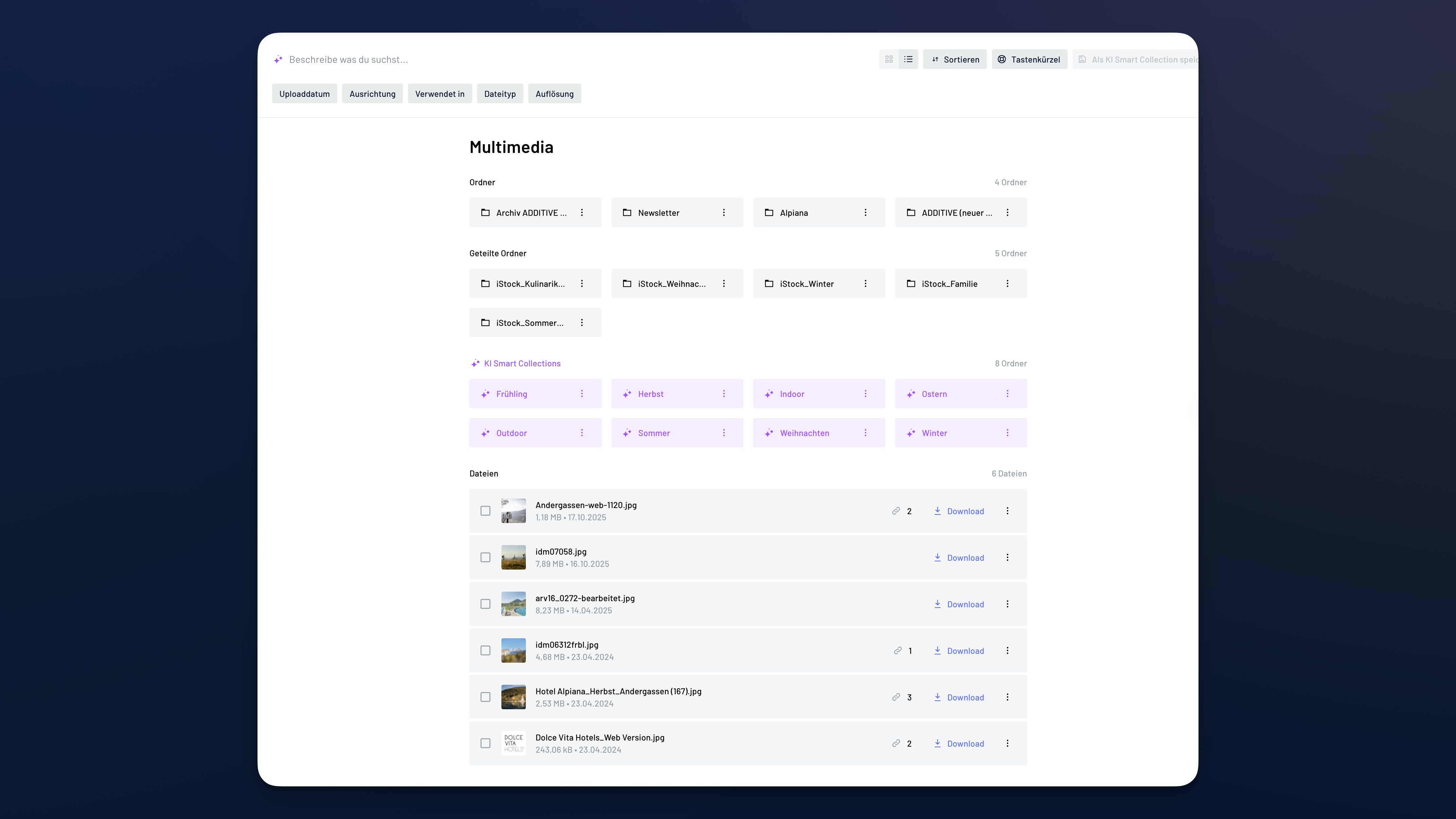
- Modern multimedia module: A refreshed look & feel, 15 new keyboard shortcuts, and an additional list view with sorting by upload date or name simplify media management.
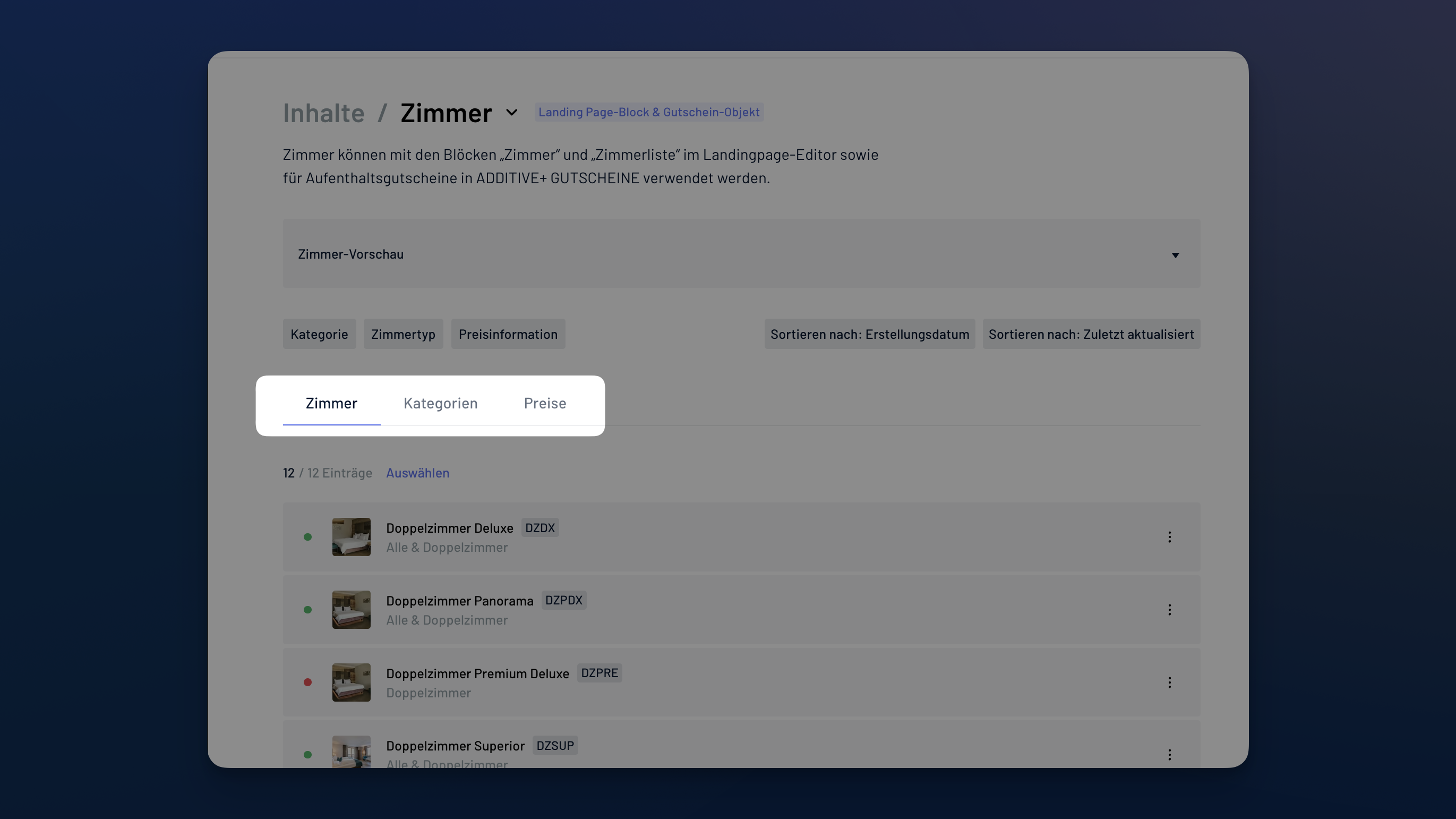
- Rooms, rates & pricing combined: Rooms, rates, and pricing are now managed in a single content type. New filters, unlimited validity for prices, and direct display of the board basis make management much easier.
- Reviews: Review names, rating scales, and maximum scores are now fully customizable. A compact version of the review block is also available.
- Surveys: The first question is now created automatically when starting a new survey.
- New content overview: Content types can now be filtered by software, and the detail view has been optimized for better readability.
03.02.2026
-
Enhanced Semantic Image Search & AI Smart Collections:
-
The new semantic image search recognizes visual relationships and delivers immediately relevant results using descriptive terms (such as summer, Easter, outdoor, etc.). Images can be found based on their content, independent of file names or labels.
-
AI Smart Collections are saved, intelligent searches that work similarly to intelligent image tags. The AI automatically analyzes image content and assigns images to matching thematic collections.

-
08.10.2025
- Mark salutation required: When enabled, the “Keine Angabe” option is removed to ensure ASA/PMS receive a valid title value. Use this to improve data quality and prevent mapping issues downstream.
09.09.2025
- Validity of offers: A new checkbox “Valid indefinitely” makes it easier to create offers without specifying time periods.
15.07.2025
- Simplification of the publication period: Start and end dates are no longer both mandatory. Contents can now also be published with just a start or end date - whichever works best. Applies to all contenttypes.
09.05.2025
- Optimization of Last-Minute Deals for ADDITIVE+ MARKETING AUTOMATION:
Guests now see the discount percentage and valid booking period instead of a discounted price. They can request a last-minute offer without booking directly via the A+ Landing Page. These requests include all necessary details for quick and accurate processing by the reception.
27.03.2025
- Alternative time periods in inquiries: The request form now allows users to specify alternative time periods in case their preferred dates are fully booked. These will be included as a comment in the request.
- Availability Notice for Offers: If an offer is requested outside its validity period, an optional notice can inform users that the selected offer may not be available during the desired timeframe.
- Closing periods & advance notice: Closure periods can be individually configured for display on the landing page. Additionally, an advance notice period can be set before they become visible.
06.03.2025
- Integration of videos on the landing page: In addition to an image or GIF, a video can now also be displayed in the header. In addition, as an alternative to the image gallery, single images or videos can now also be integrated in the media block.
20.09.2024
- Customize CTA buttons: The color of the CTA buttons on the landing page can be customized according to the corporate design.

26.06.2024
- Updated banner links: Besides the inquiry form, the banner on the landing page can link directly to the CTA block ( containing a link to the booking engine) or to an external page.
01.03.2024
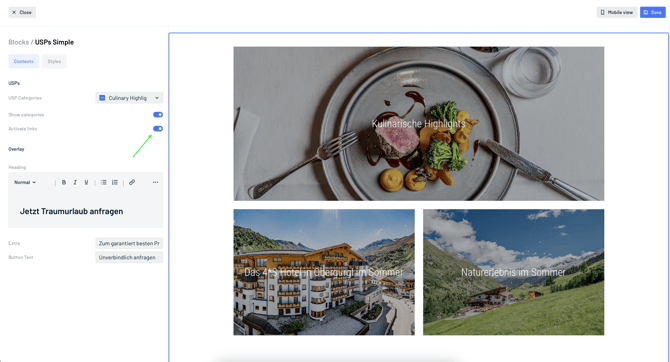
- Add links to USPs:
- A link can be added to a USP. To ensure that the link is clickable on the landing page, links must be activated for USP blocks in the landing page editor.
- Any website with a URL can be added as a link, or you can link to another published landing page. A USP in English will always link to the English version of the landing page.
- A linked landing page can only be set to unpublished if the USP is also not public.